Save time
Apogee Impose can automatically calculate optimal imposition schemes. It is integrated into Apogee, so there is no need to switch between programs. This leads to a faster and more intuitive prepress process.
Once you’ve used Apogee Impose, it’s hard to imagine working with templates ever again. Feed it data such as sheet size, number of pages and available equipment and it rewards you with the optimal imposition scheme in no time. Besides that, Apogee Impose is fully integrated in Apogee, which saves time and minimizes errors. It also updates its imposition scheme automatically when you change parameters as the job progresses.
You can use two systems: ‘Auto Impose’ and ‘Web Impose’. The first calculates the ideal imposition with a minimum of paper waste. ‘Web Impose’ is specifically designed for high-volume publications and enables you to define the imposition in terms of printing as well as in finishing.
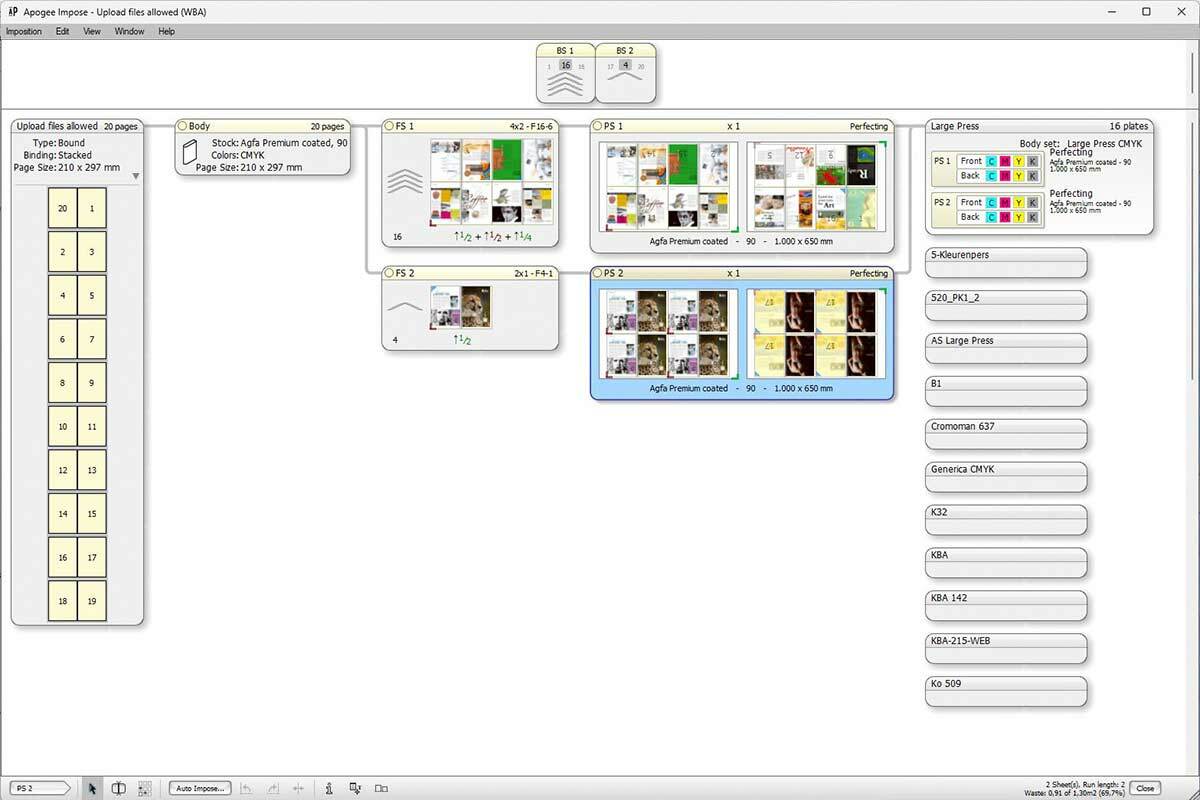

Apogee Impose can automatically calculate optimal imposition schemes. It is integrated into Apogee, so there is no need to switch between programs. This leads to a faster and more intuitive prepress process.
Apogee Impose supports various algorithms to lower production costs, including multi-order imposition and cut ‘n assemble.
Assimilation of the imposition scheme to changes in the process
Web offset printing differs from sheet-fed offset printing, but Apogee Impose masters both, with the Web Production Scheme (WPS). It enables users to define the imposition with regard to printing as well as finishing: double around, ribbons, deliveries and page arrangement are just a few of the preferences that you can specify.
Apogee Impose has many simple features that make your job even more comfortable. ‘Positioning Palette’ helps you set the distance between pages or elements, ‘Special Covers’ easily defines components of a complete cover (even over separate page panels), and the ‘Merge Assistant’ suggests which jobs can be combined for a more efficient workflow.
The Pagination Scheme (PS) is a resource for the creation of folded products which are not bound. These require a different working method, since they can be folded in a wide variety of ways: accordion fold, roll fold, gate fold, letter fold, etc. The PS gives you more flexibility in assigning pages, adjusting panel size, and changing page orientation.
You choose whether your imposition scheme minimizes the paper waste, or the number of plates. In the sheet layout section you can see how the elements will be placed on the press sheet, and you easily change parameters to fit your needs.
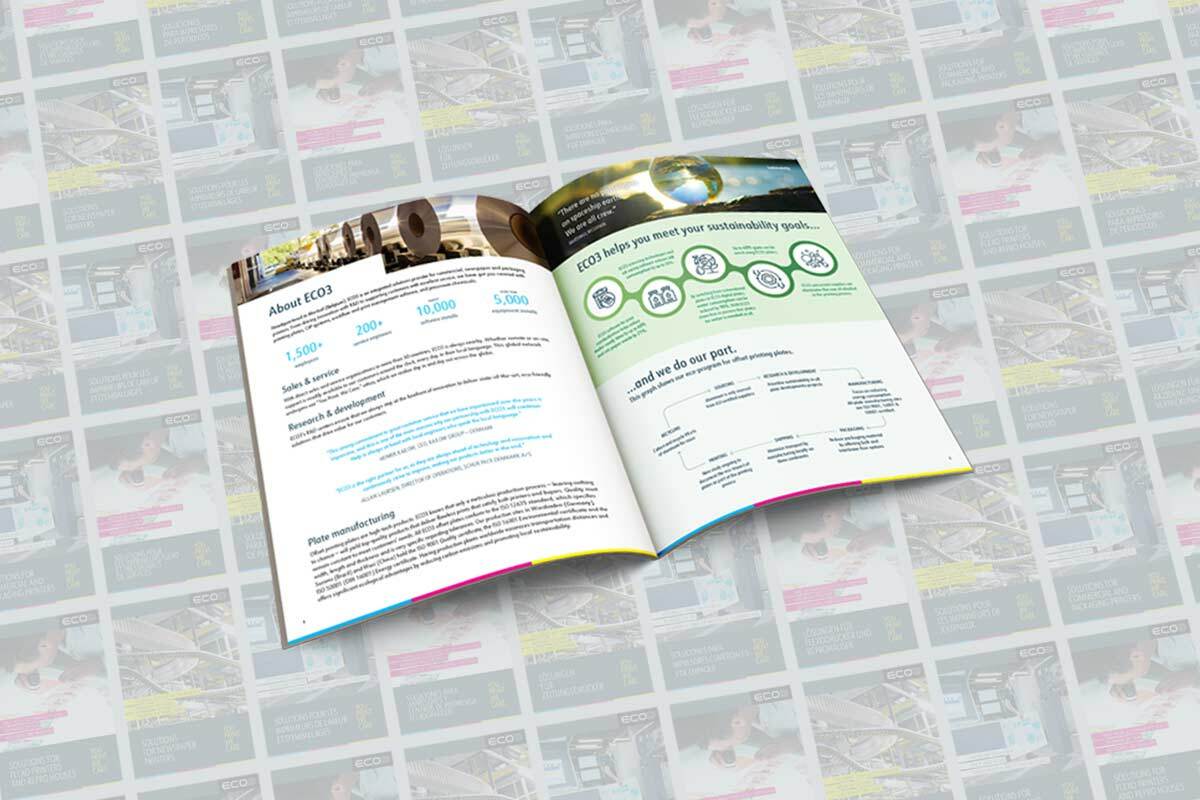
ECO3 Solutions magazines highlight industry trends and our latest products and services. These 16- and 20-page PDF magazines are available in three editions aimed at commercial and packaging printers, flexo printers and newspapers. The magazines are offered in English, French, German, Portuguese and Spanish.
Download your magazine